
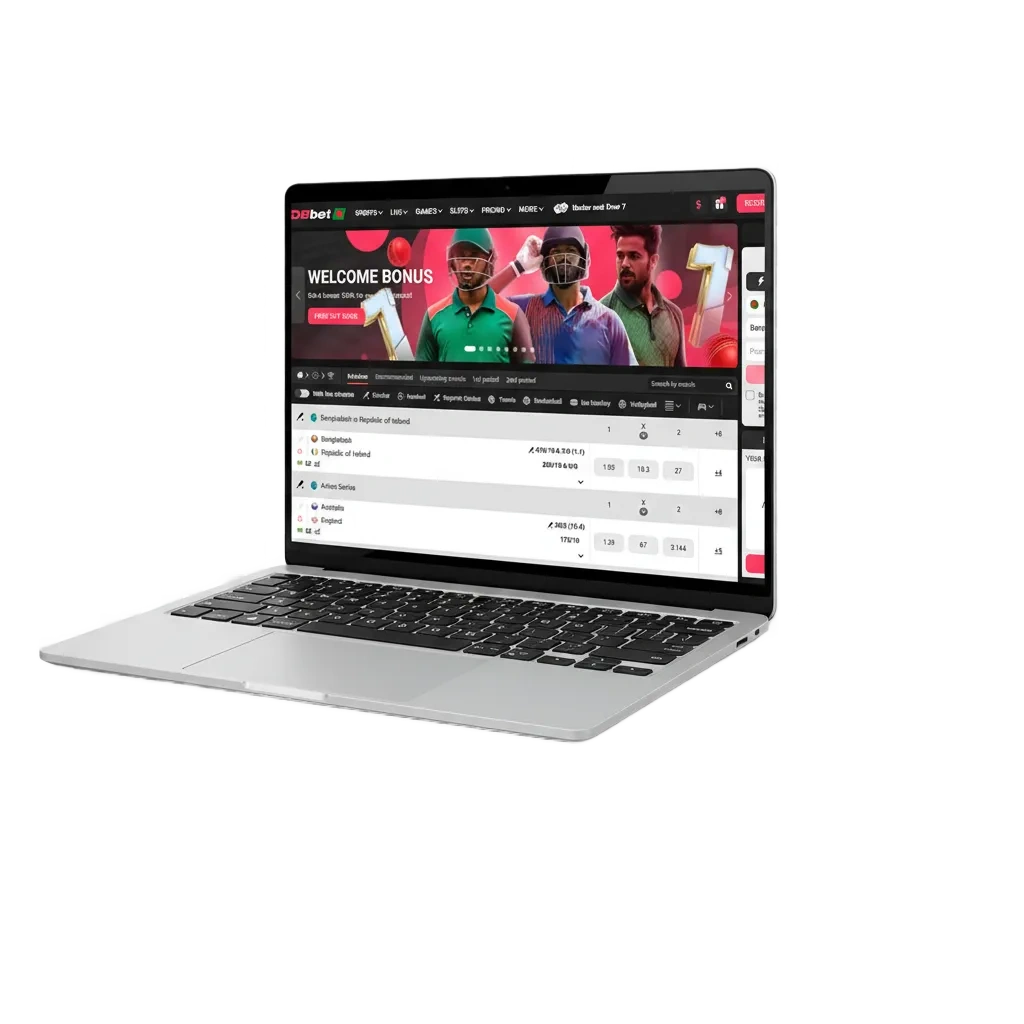
Download DBBet for PC Windows and MacOS

The desktop application brings sports betting, live casino, roulette, slots, and table games into a fast, full-screen experience.

The DBBet download for PC is free and available on Windows and macOS, mirroring the website while delivering smoother play and fewer lags.

Expect quicker launch, stable streams, and lower resource use.

DBBet desktop app on Windows and macOS with sports betting, live casino, roulette and slots, free download for smoother play.

DBBet PC Client Review

The DBBet app for PC focuses on speed and stability: quicker login and load times, full-screen tables and slots, system notifications for odds and results.

Here are the main facts for the desktop build:

PC Client Size Approx. 120 MB (Windows) / 140 MB (macOS)
Available Languages English, Bengali (Bangla), Hindi, Thai, Vietnamese
Category Sports betting, Online Casino, Live Casino, Slots, Table Games, Instant Games
Compatible with Windows Windows 11, Windows 10, Windows 8.1 (64-bit recommended)
Compatible with macOS macOS 14 Sonoma, 13 Ventura, 12 Monterey, 11 Big Sur, 10.15 Catalina

Pros and Cons of Using DBBet PC

Here is a quick look at the advantages and the few trade-offs before you install the desktop app.

Pros Cons
Faster launch and login than a browser Requires installation and local storage
Full-screen gaming for tables, slots, and live streams Occasional updates needed
Stable streaming for live casino and game shows Admin rights may be needed on office PCs
Lower CPU/RAM use than tab-heavy browsers First run on Mac may need Gatekeeper approval
System notifications for odds moves and wins
Keeps you signed in using secure sessions
Multi-window layout for betting slip and live stats

Download and Install the DBBet App on Windows

The Windows app runs on most modern computers and needs only a 64-bit system, 4 GB RAM, about 500 MB free space, and a stable internet connection. It supports Windows 10 and 11, and works on many Windows 8.1 setups too.

1

Start from here

Click the button below to start the DBBet app for Windows download.
2

Save the installer

Choose your Downloads folder and wait for the file to finish.

3

Run the setup

Double-click the installer, then confirm the User Account Control prompt.

4

Choose options

Pick the install folder and desktop shortcut option, then press Install.

5

Finish

Launch the app after setup completes and log in or create an account.

Download and Install the DBBet App on Mac

The Mac build supports Intel and Apple silicon devices on macOS 10.15 Catalina or newer, offering smooth play and full-screen betting.

1

Start from here

Click the button below to go to the official download page.

2

Get the file

Download the .dmg package to your Downloads folder.

3

Move to Applications

Open the .dmg and drag the app into Applications.

4

Allow first launch

If you see a security prompt, go to System Settings > Privacy & Security and select Open Anyway.

5

Sign in

Open the app from Applications, then log in or create a new account.

Update the PC Client

Keeping the desktop client up to date improves stability, adds new games, and maintains security. Updates are quick and do not change your account data.

1

Open the app

Click the DBBet PC icon on your desktop to enter the platform.

2

Check for updates

Go to Menu > Settings > Check for updates.

3

Install

Approve the download, wait for the install process to complete.

4

Restart

Reopen the app and continue betting and casino play.

Register and Start Betting with the PC App

Registration in the desktop app takes a minute. After sign-up, you get full access to betting markets, live casino, payments, and personalised offers.

1

Open the app on your computer.

2

Click Register on the home screen.

3

Choose a method

mobile number or email (social sign-in may be available), then enter your information and set a strong password.

4

Verify and start

Confirm via OTP or email, set currency to BDT, log in, and place your first bet.

Play on the DBBet Official Website

Installing the PC app is optional. You can play on the official website from any compatible computer and keep the same account, balance, and betting history.

The web version offers the full casino and sportsbook, including live tables, slots, and in-play markets. This option suits shared or office devices where installing software is not ideal.

Support for Desktop Users

Need help on desktop? Dedicated customer support is available 24/7 in English and Bangla.

  1. Live Chat: Open the chat bubble in the PC app or on the website footer; get instant help any time.
  2. Email: Use the support address shown under Help > Contact Us; typical replies within 24 hours.
  3. Help Centre: Go to Help > FAQs for guides, limits, and account information, then submit a ticket if needed.
  4. Social Media: Reach the official pages via the website footer (Facebook and Telegram links available).
  5. Phone: Not provided; use live chat for urgent issues.
Support for desktop users: 24/7 chat, email, FAQs, Facebook & Telegram; English/Bangla; no phone.

FAQ

Is the PC app free?

Yes. The desktop download and installation are free. You only pay for deposits or bets you place.

What are the minimum system requirements?

A 64-bit computer, Windows 10/11 or macOS 10.15+, 4 GB RAM, about 500 MB storage, and a stable internet connection.

Is the app safe for Bangladesh users?

The installer is signed, traffic is encrypted, and account protection includes password and verification steps.

Can I change the language to Bangla?

Yes. Go to Settings > Language and select Bengali (Bangla). The interface and basic help will switch to your choice.

How do I uninstall the app?

On Windows, use Apps & Features and select Uninstall. On Mac, move the app from Applications to Bin, then empty Bin.

Updated: